Quick answer: Manual order entry is when a person re-types a customer’s order from email, phone, PDF or WhatsApp into an ERP or order system by hand. It costs labor time, causes SKU and quantity errors, and delays shipping. B2B businesses cut it with a self-service ordering portal, automated PO capture and ERP integration, keeping people only for exceptions.
B2B wholesalers and distributors still receive most orders as emails, PDF purchase orders, phone calls and chat messages. Each one needs a person to read it, find the customer and products, and key it into the system. This guide shows each step, what it costs, and 5 ways to reduce it.
What Is Manual Order Entry?
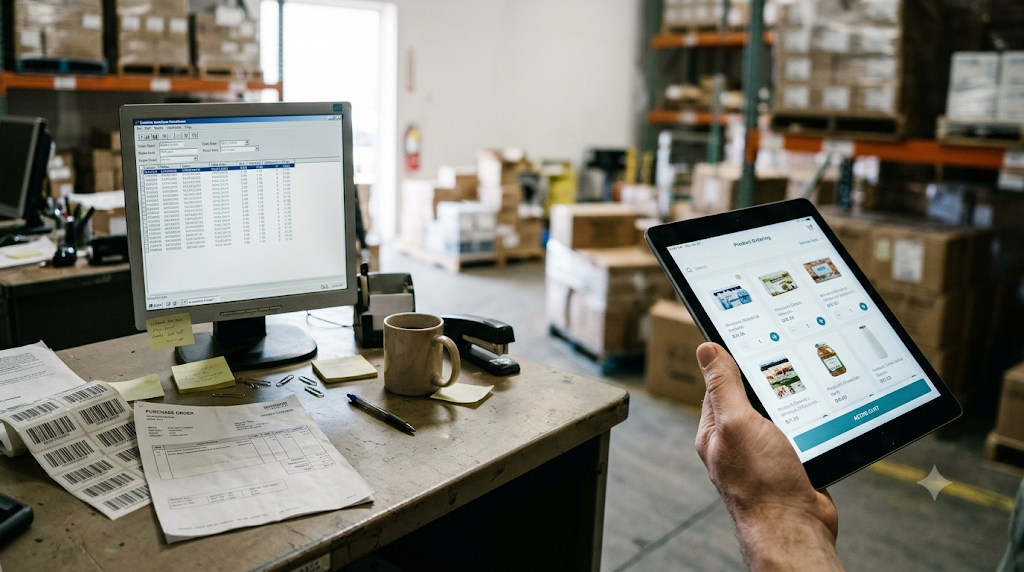
Manual order entry is the process of a staff member copying order details (customer, SKUs, quantities, prices and delivery dates) from an incoming order into a sales or ERP system. A purchase order (PO) is the buyer’s document; the sales order is the record your ERP creates from it. Manual entry is the human step that turns one into the other.
Example: a restaurant group emails a PDF PO for 12 items across 3 locations. Your customer service rep opens the PDF, looks up each item code, types 36 lines into NetSuite and emails a confirmation.
How Does the Manual Order Entry Process Work?
A manual order moves through 5 steps before it ships.
Receiving Customer Orders Through Different Channels
Orders arrive by email, PDF attachment, phone, fax, WhatsApp and sales reps’ notes. Each channel uses its own format, so staff read every order differently.
Checking Customer and Product Information
The rep matches the buyer to an account and translates the buyer’s item names or codes into your SKUs (stock keeping units, your internal product codes).
Entering Order Details Into the System
The rep types each line into the ERP: SKU, quantity, unit of measure, price and ship-to address.
Verifying Prices, Inventory and Delivery Details
The rep checks contract pricing, stock levels, credit limits and delivery dates, then sends an order confirmation to the buyer.
Sending the Order for Fulfillment
The ERP releases the order to the warehouse for pick, pack and ship, and accounting prepares the invoice.
Why Does Manual Order Entry Create Problems for B2B Businesses?
Re-typing orders creates 5 problems: high labor cost, order errors, slow processing, backlogs and multi-location confusion. Each one grows as order volume grows.
Repetitive Data Entry Increases Labor Costs
Order entry time scales with every new order. Emporix’s 2026 study of 500 B2B executives found 60% of B2B companies spend more than a quarter of their commerce working hours on manual tasks.
Incorrect SKUs and Quantities Cause Order Errors
Typing errors turn “12 cases” into “12 units” or pick a similar SKU. Barchard and Pace (2011) found that visually checking typed data was not significantly more accurate than typing it once with no check.
Disconnected Systems Delay Order Processing
Staff switch between email, spreadsheets, the ERP and the inventory system. Each switch adds minutes and a chance to miss a detail.
Multiple Ordering Channels Create Operational Backlogs
Phone and email ordering pile up at peak times, such as Monday mornings and month-end. Orders wait in inboxes, and buyers call to ask where they are.
Multi-Location Purchasing Becomes Difficult to Manage
Multi-site retailers, restaurant groups and clinics order consumables for many locations, often in 1 email. Staff split each order by ship-to address, location budget and approver, which multiplies entry time and errors.
How Does Manual Order Entry Affect Wholesale Order Processing Costs?
Hand-keyed orders carry 3 costs: staff time, error correction and lost sales. You can estimate the first one in 2 minutes with your own numbers.
Employee Time Spent Processing Orders
Use this formula:
Monthly labor cost = orders per month × minutes per order ÷ 60 × hourly wage
| Input | Example value | Source |
|---|---|---|
| Orders per month | 1,000 | Your ERP |
| Minutes per order | 10 | Time 20 real orders |
| Hourly wage | $22.20 | BLS median for order clerks, 2025 |
| Monthly labor cost | $3,700 | 167 hours of entry |
| Yearly labor cost | $44,400 | Before benefits and overhead |
At 1,000 orders a month, manual entry fills almost 1 full-time role.
Costs of Correcting and Reshipping Orders
Each wrong SKU or quantity triggers 4 extra costs: a return shipment, a second pick and pack, a reshipment, and a credit note. Track your error count for 1 month and multiply it by your average reship cost.
Lost Sales and Delayed Fulfillment
Orders stuck in an inbox ship late, and late orders lose repeat business. Emporix’s 2026 study found 74% of B2B buyers would switch suppliers over a poor digital ordering experience.
How Can Businesses Reduce Manual Order Entry?
5 changes cut most re-keying: a buyer portal, automated PO capture, ERP integration, clean product data and human review of exceptions. Start with the channel that brings the most orders.
Introduce a B2B Wholesale Ordering Portal
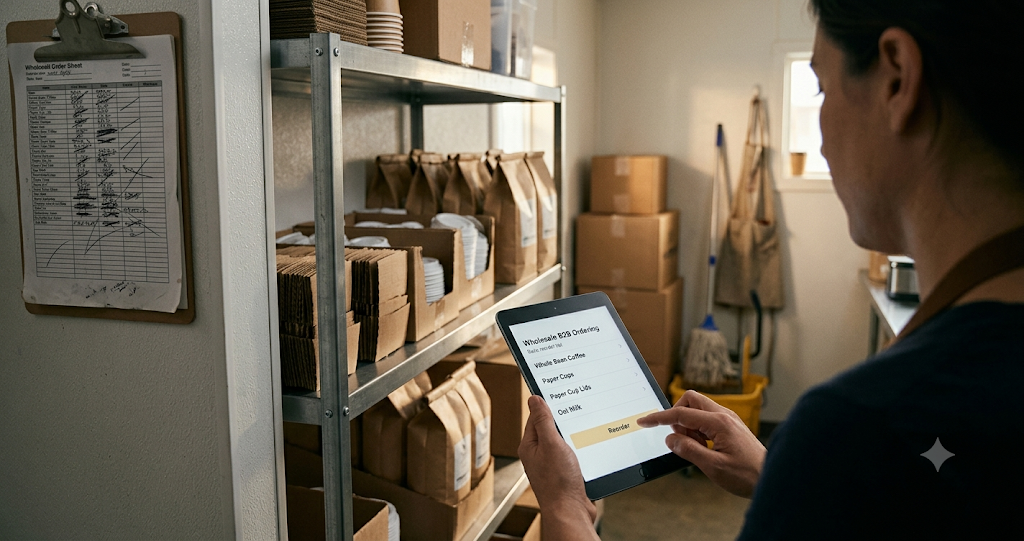
A B2B ordering portal lets buyers place orders themselves, with their own prices and catalog. Orders land in your ERP with no re-keying, and paperless ordering replaces PDFs and faxes. See how a wholesale ordering portal handles each order.
Automate Purchase Order Capture From Emails and WhatsApp
Purchase order software reads supplier emails, PDF attachments and WhatsApp messages, extracts the items, and creates draft sales orders. OCR (optical character recognition) reads scanned documents; AI document capture matches buyer item names to your SKUs. Learn how to capture orders from email and messages.
Connect Ecommerce Ordering With ERP and Inventory Systems
Integration syncs orders, stock levels and prices between your portal and your ERP (NetSuite, SAP Business One, Microsoft Dynamics 365 or QuickBooks). Buyers see live stock, and staff stop copying data between systems.
Standardize Product Codes, Pricing and Order Formats
Automation needs clean data. Map each customer’s item codes to your SKUs, set 1 unit of measure per product, and load contract prices into the ERP.
Keep Human Review for Exceptions
Automation handles standard orders; people handle the rest. Route 4 types of orders to a person: new customers, unmatched SKUs, credit holds and unusual quantities.
Manual Order Entry vs. Automated Order Entry: What’s the Difference?
Manual entry depends on a person typing each order; automated entry captures and validates orders by system rules and sends only exceptions to a person.
| Factor | Manual order entry | Automated order entry |
|---|---|---|
| Who enters the order | Staff, line by line | The buyer (portal) or software (PO capture) |
| Time per order | Grows with lines per order | Seconds for standard orders |
| Error source | Typing and reading mistakes | Bad master data or unmatched items |
| Hours | Business hours only | 24/7 |
| Scaling | More orders need more staff | Volume grows without new hires |
| ERP data | Typed in later | Synced on submission |
| Human role | Every order | Exceptions only |
When Should a Business Move Away From Manual Order Processing?
Move away from manual order processing once order entry takes 20+ staff hours a week, or entry errors cause weekly reships. Watch for 5 signs:
- Your team spends 20+ hours a week keying orders.
- Orders wait more than 1 business day before entry.
- You reship or credit orders every week because of entry errors.
- Buyers order outside business hours by email or WhatsApp.
- You add a new channel or multi-location customers and plan to hire for it.
Frequently Asked Questions
What Is an Example of Manual Order Entry?
A rep reading a buyer’s PDF purchase order and typing each line into the ERP is manual order entry. Phone orders written down and keyed later are another example.
Is Manual Order Entry the Same as Order Processing?
No. Manual order entry is 1 step of order processing. Order processing runs from order receipt to invoice, including picking, packing, shipping and billing.
What Causes Manual Order Entry Errors?
3 causes drive most errors: mismatched product codes, unclear units of measure and typing mistakes. Rushed peak periods make all 3 worse.
Can Businesses Automate Orders Received Through Email and WhatsApp?
Yes. PO capture software reads emails, PDF attachments and WhatsApp messages, then creates draft sales orders for review.
How Does a B2B Ordering Portal Reduce Manual Work?
A portal moves order entry to the buyer. The buyer picks items at their own prices, and the order syncs to your ERP with no re-typing. See what a B2B portal includes.
Start With Your Highest-Volume Order Channel
Manual order entry costs B2B teams staff hours, errors and late shipments. Portals, PO capture and ERP integration remove most of it, and people keep control of exceptions.
Time 20 of your orders this week and run the cost formula above. Then move your biggest channel online first.
Next step: see MyAtOnce in action and book a demo.
Sources
- U.S. Bureau of Labor Statistics, Occupational Employment and Wage Statistics, Order Clerks (SOC 43-4151), 2025 data via O*NET: median $22.20/hour
- Emporix, The Autonomous Commerce Shift 2026 (500 B2B executives, DACH region)
- Barchard, K. A. and Pace, L. A. (2011). Preventing human error: The impact of data entry methods on data accuracy and statistical results. Computers in Human Behavior, 27(5), 1834–1839